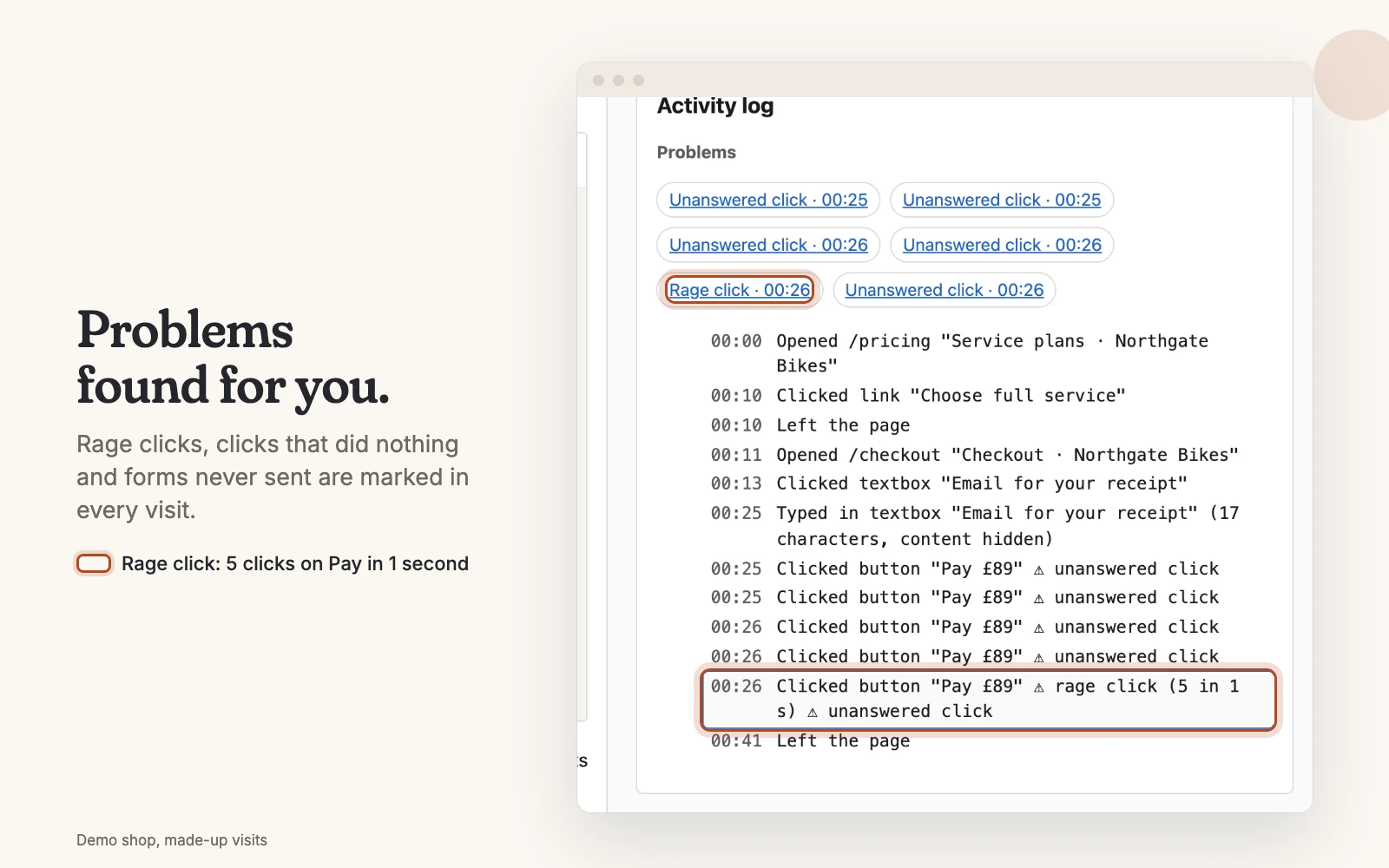
The signs Faintrail marks for you
| Sign | What it means in Faintrail | What it often points to |
|---|---|---|
| Rage click | Three or more clicks on the same thing, each within a second of the last | Something looks clickable but doesn't answer |
| No response (a "dead click") | A click on a button, link or tab, then nothing on the page changes within a second | A broken button, or a picture that looks like a link |
| Quick return | Back on the previous page within 5 seconds | The page wasn't what they expected |
| Form not sent | Typing in a field, then leaving without sending | A form that's too long or asks too much |
| Error | An error on the page, or a request that failed | Something broken that you may not know about |
| Long pause | A minute or more with nothing done, page in view | Confusion, or hunting for information |
| Left after an error | The visit ends within a minute of an error | An error that cost you the visitor |
Five steps to find the page that loses sales
- Pick the page that matters most. Pricing, checkout, booking or contact.
- Filter to visits that reached it. One search: the page's address.
- Add a problem. Rage click, form not sent or error.
- Watch five of them. For each, note what the visitor was trying to do, and where they stopped.
- Fix one thing, then check next week's visits. If the problem stops appearing, the fix worked.
Too many visits to watch?
Download them instead, up to 100 at a time, and ask an AI assistant to read them. It reads every visit and tells you which ones to watch first.