How it works
- Filter your visits. For example, everyone who visited your pricing page last week, or every visit with a rage click.
- Download them as one text file. Up to 100 visits a file. The button tells you how many the file will hold, and the file tells you how to get the next 100.
- Give the file to your AI assistant. ChatGPT, Claude or any assistant that reads text files.
- Ask it a question. Then watch the visits it points to before you change anything.
Questions worth asking
- "These are visits to our pricing page. Where do people hesitate or give up?"
- "Which buttons do visitors click that don't do what they expect?"
- "List every error visitors met, with the page and how often it happened."
- "Compare the visits that sent the contact form with those that didn't. What's different?"
- "Pick the five visits I should watch first, and say why."
What's in the file
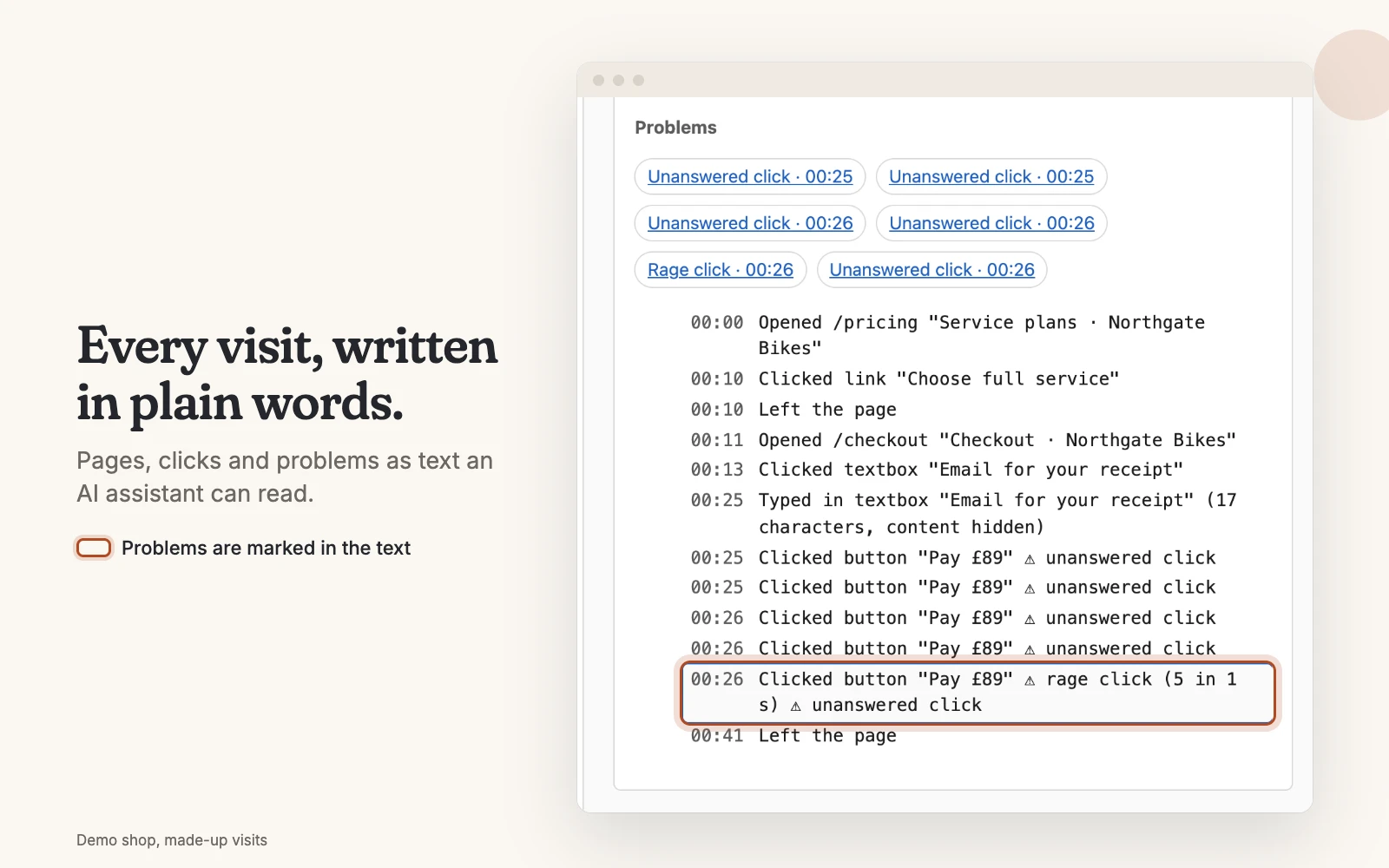
The file starts by saying, in plain words, which visits it holds and how to read it, so the AI knows what it's looking at. Then each visit follows: its log line by line, like the sample below, and the same actions as data the AI can count.
Which visits: visited /pricing, with a rage click, 1–7 Nov 2026,
most recently active first, up to 100 in this file.

=== Visit 3f9a21c0 ===
00:15  Opened /pricing
00:31  Clicked button "Book a call"       ⚠ No response
00:33  Clicked button "Book a call"       ⚠ Rage click (3 in 2 s)
01:20  Left the page                      ⚠ Form not sent
A made-up example, shortened. What visitors typed is never in the file, because it was never recorded.
Before you upload
- Check your AI's data settings, as you would with any business file.
- Your copy is yours to delete. A downloaded file isn't removed after 30 or 90 days like the visits in Faintrail, so delete it when you've finished.
- An AI can be wrong. Treat its answer as a list of visits to watch, not as the verdict.
- Very large files. If your assistant says the file is too big, filter to fewer visits or a shorter time.
How this differs from AI built into other tools
Clarity, Hotjar, Mouseflow, LogRocket and Fullstory each offer AI inside their product. That's convenient, and it runs on their side. Faintrail gives you the file instead, so you choose the assistant, and you can read exactly what it was given.